The First Call of Duty: Modern Warfare Patch is Already Out

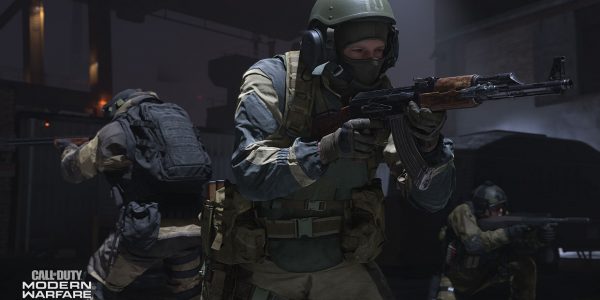
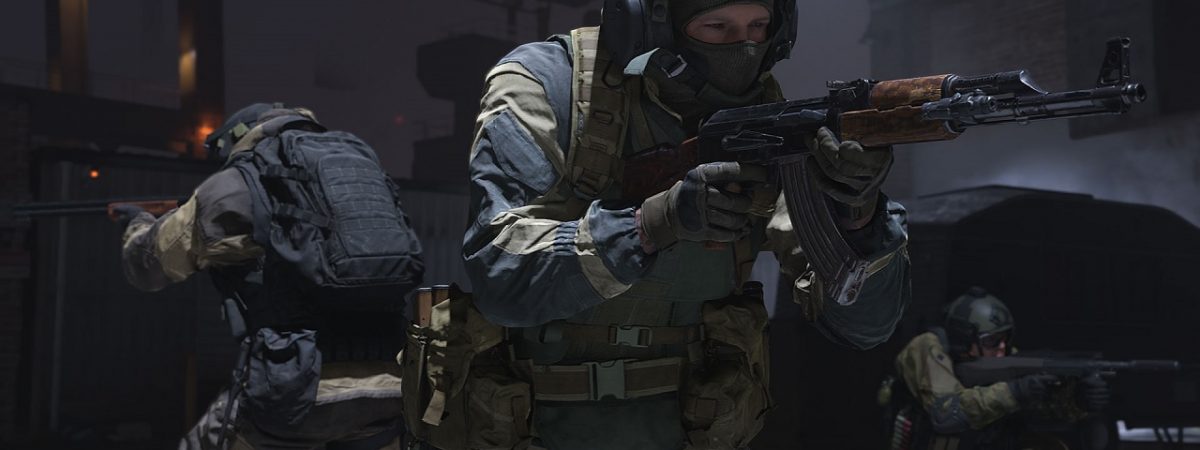


Call of Duty: Modern Warfare was available for less than 24 hours when Infinity Ward rolled out the very first patch, shortly after addressing the server issues which emerged at launch. The first Modern Warfare patch makes a few changes to playlists, but also includes fixes for a variety of issues, some of which were spotted by players very quickly.
Patch Notes for the First Call of Duty: Modern Warfare Patch
The first Call of Duty: Modern Warfare patch makes three specific alterations to the game’s playlists; it adds FFA, turns on the Ground War game mode, and also removes the 10v10 Domination option from Aniyah. However, the focus of the patch is really on bug fixes. The first of these is something which should reassure players suffering from crashes at launch; “Backend fixes to help prevent crashing across all platforms”. A number of players had been complaining about crashes, so hopefully this resolves that issue. Certainly, Infinity Ward recommends that players contact them if they’re still experiencing crashes.
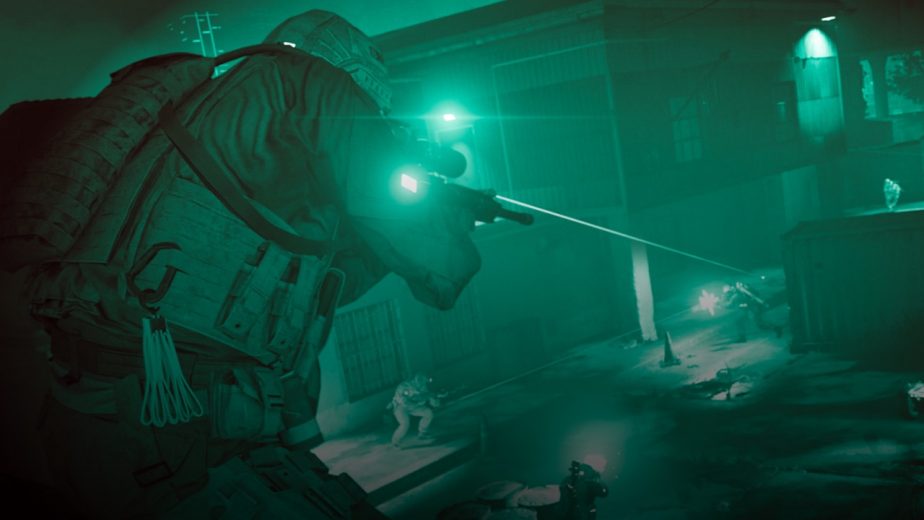
Other fixes include improvements to ADS while using scope-less weapons on Xbox and ensuring that camos unlock properly. The “Best of the Best” and “Elite Sniper” challenges have been fixed to track and display correctly, and an exploit in Gunsmith which was available to mouse and keyboard users has been removed. When it comes to PCs, Infinity Ward has identified two specific errors which players have been running into. Although fixes for these aren’t included in this patch, the studio does recommend to players what they should do if they encounter them.
The first of these is ‘Dev Error 6065’. According to Infinity Ward; “We’re currently working on a fix for this and appreciate your patience. Lowering your graphics settings can help in the meantime”. The second error is ‘Dev Error 6165,’ which Infinity Ward provides instructions for fixing; “Players encountering this issue should try a ‘Scan and Repair’ through the Battle.net application. If this isn’t successful, a full reinstall might fix the issue.”