Call of Duty Players May Need to Pre-Download the Season 5 Update


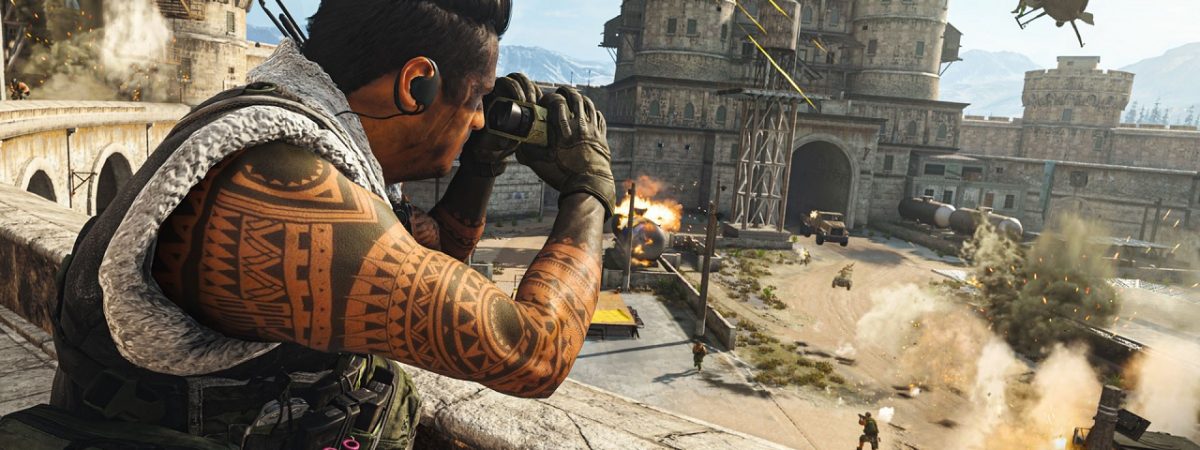


Call of Duty: Modern Warfare Season 5 is due to launch tomorrow, on the 4th of August. Launching alongside it is a major August Update, which, Activision has revealed, is quite sizable. As a result, PS4 players are able to pre-download this update to avoid servers being overrun on launch day.
Pre-Downloading the Modern Warfare Season 5 Update
Activision has divided all PS4 players of Call of Duty: Modern Warfare and Call of Duty: Warzone into two groups for access to pre-downloading the Modern Warfare Season 5 update. (The reason why this facility isn’t available for Xbox One users is simply because the Xbox One doesn’t offer the ability to pre-download updates.) The first group have had access to pre-download the update for a couple of days. Meanwhile, the second group can now pre-download the update from today. If players have Automatic Downloads enabled on their console, then this update should begin automatically if their PS4 is either on or in Rest Mode.

However, if you don’t have Automatic Downloads (which are only available for PlayStation Plus), you’ll need to initiate the pre-download manually. To do this, players need to select the Modern Warfare or Warzone tile on their PS4 home-screen. There, select Options, and then select ‘Check for Updates’.
The Modern Warfare Season 5 Update is very large, continuing a trend of Call of Duty taking up a huge amount of file space. Players will need approximately 120 GB of free space in order to pre-download the update. If you don’t have enough space, you will receive a notification to let you know as much. Once you clear enough space, you can manually restart the download in the same way as described above. Of course, pre-downloading the update ahead of its launch tomorrow will give you immediate access when it launches. Additionally, there is a risk that the download will take longer on launch day. After all, a great many players attempt to download it all at once.