Red Dead Online Passive Mode: How to Stop Griefers in Red Dead Online

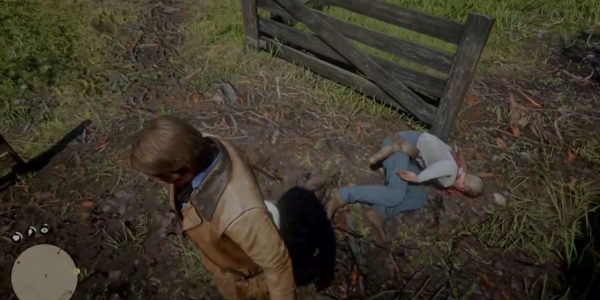
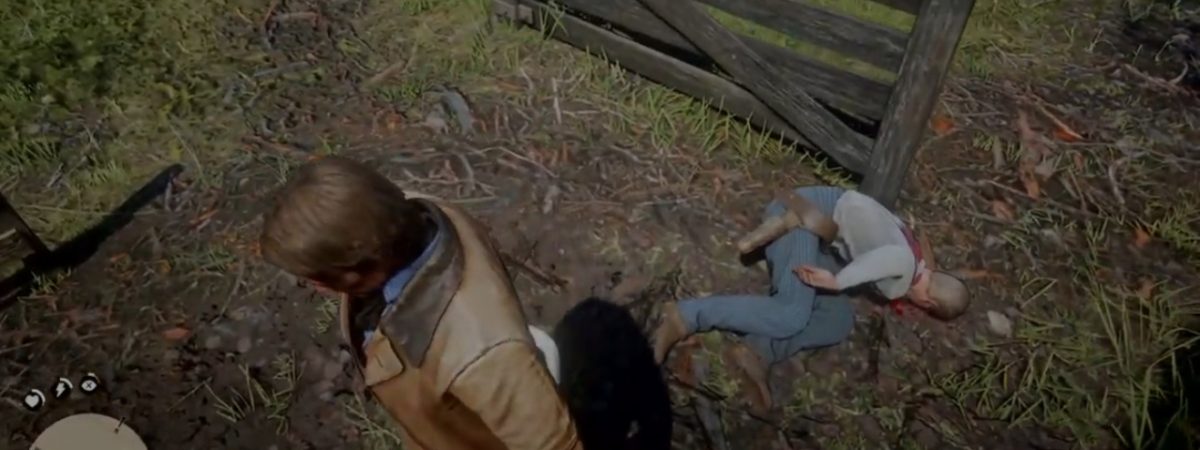


As you run around picking up all of your perfect pelts and collecting gold bars, you are sure to run into other players in Red Dead Online. Many of these players could be griefers and jerks, making some players want to know how to use the Red Dead Online Passive Mode. In this guide, we are going to show you how to activate the mode.
Players also familiar with GTA Online will know Red Dead Online Passive Mode well. In that online game, this mode can be activated at any time. It stops players from dealing any damage to you as well as you hurting them. It’s important for when you just want to relax and enjoy the world with friends or alone. Here’s how you do it.
How to Activate Red Dead Online Passive Mode
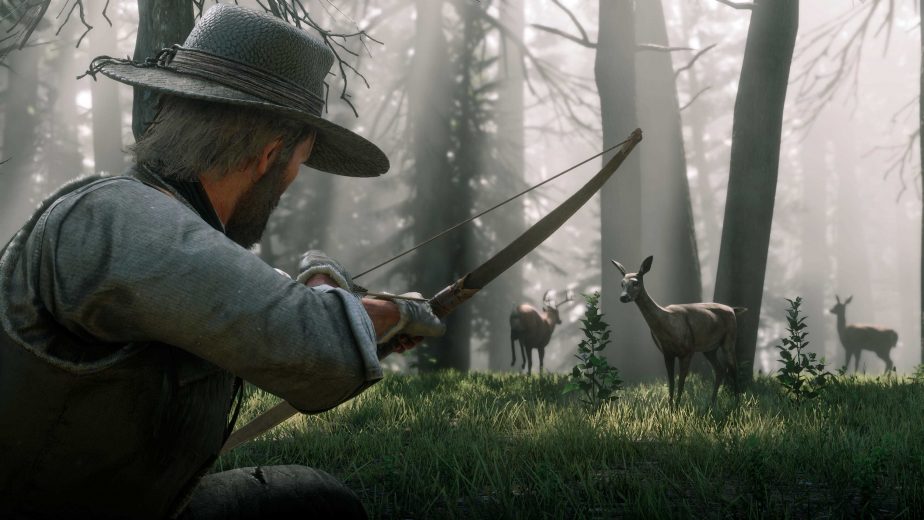
There is only one way and one place to activate Passive Mode in all of Red Dead Online. Unlike GTA Online, you can’t just activate it wherever you are in the world. Instead, you will have to visit your home camp for you or your posse. There, you will need to find your camp’s flag near the entrance to the camp.
You will need to interact with the camp flag to activate Red Dead Online Passive Mode. However, you might not need to as, by default, the flag is up. When the flag is up, no one will be able to attack your camp. Unfortunately, that’s all it actually does for you. The Passive Mode in this game comes with another caveat.
For the most part, the Red Dead Online Passive Mode has been replaced by the Parley and Feud system, which we’ve already covered in the past. This can be a little frustrating as random strangers can attack you if they want to.